
Tailwind v4 + Next.js 15 Migration Issues: 3 Bugs
Real bugs I ran into merging a standalone TypeScript React app into a Next.js 15 project on Tailwind v4 — CSS variable scoping conflicts, circular imports, and the exact fixes.
I was merging a standalone TypeScript React app (an internal tool I called FinanceFriend) into an existing Next.js 15 project written in plain JS. Both used Tailwind, but not the same version, not the same config, and not the same assumptions about how CSS gets scoped. What should've been a clean merge turned into three separate build failures. Here's each one, why it happened, and the actual fix.
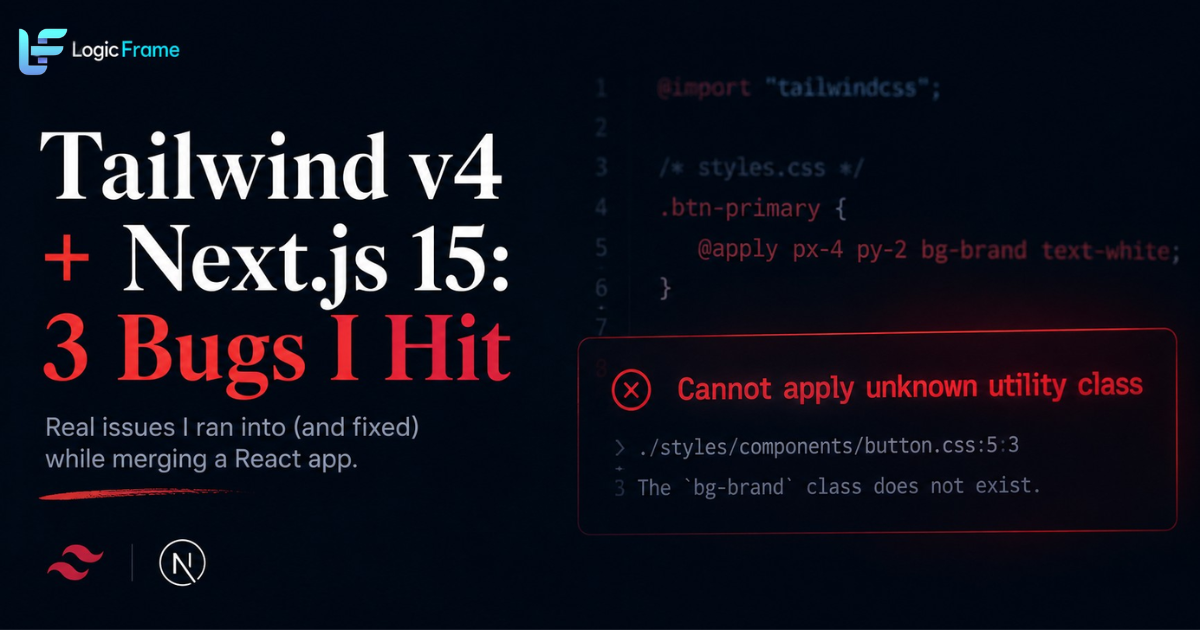
"Cannot apply unknown utility class"
This was the first wall I hit. Tailwind v4 moved from JS-based config to a CSS-first model, and the old @tailwind base; @tailwind components; @tailwind utilities; directives are gone entirely, replaced by a single @import "tailwindcss";. The React app's CSS files still used @apply inside separate stylesheets that had no direct reference to where Tailwind's config actually lived.
Why it happens: in v4, any file using @apply needs an explicit link back to the file where Tailwind's theme is defined. Without it, the compiler has no idea the utility class exists, even though it works fine in your main stylesheet.
The fix: add an explicit @config reference (or restructure so @apply only happens in files that import the main Tailwind entrypoint directly) instead of assuming global availability like v3 allowed. Once every file using @apply explicitly points back to the shared config, the error disappears.
CSS variables that worked in isolation, broke on merge
The React app used its own set of CSS custom properties for theming. So did the Next.js app. Individually, both worked perfectly. Merged, components started rendering with the wrong colors — not missing styles, wrong ones, which is a much harder bug to trace.
Why it happens: Tailwind v4 leans heavily on CSS variables at a scope level for its design tokens — that's a feature, not a bug, but it means two separate variable sets with overlapping names silently collide instead of throwing an error. You don't get a build failure. You get a visually wrong app that looks like a random styling bug.
The fix: namespace the incoming app's variables instead of trusting the global scope. I prefixed every custom property from the React app so it couldn't collide with the host app's tokens, then mapped them deliberately at the component boundary rather than relying on cascade. Slower to set up, but it made every override intentional instead of accidental.
Circular imports that only showed up after the merge
The last one was the strangest. The build worked fine until I wired the two apps' shared utility files together, at which point I started getting circular dependency errors that hadn't existed in either codebase on its own.
Why it happens: the two projects had separate utility/helper files that ended up importing from each other once merged, something neither codebase had any reason to guard against before. Module A imports from Module B, which imports back from Module A, and nothing catches it until you actually try to build with both in the same dependency graph.
The fix: rather than patch the symptom, I pulled the shared logic both files needed into a single, lower-level utility module that neither app-specific file depends on the other for. Circular imports are almost always a sign two things that should be siblings are treating each other as dependencies — fixing the actual structure resolves it permanently instead of just reordering imports until the error goes quiet.
The takeaway
None of these three bugs were really about Tailwind or Next.js being broken — they were about two codebases making silent, reasonable assumptions that only conflicted once they shared a build. Tailwind v4's CSS-first model is genuinely better once it's set up right, but it's less forgiving of implicit config than v3 was, and it will not warn you about most of this. It just quietly does the wrong thing.
This happened while merging Finance Friend into LogicFrame's core app — if you're curious what came out the other side, you can see it at Finance Friend.